
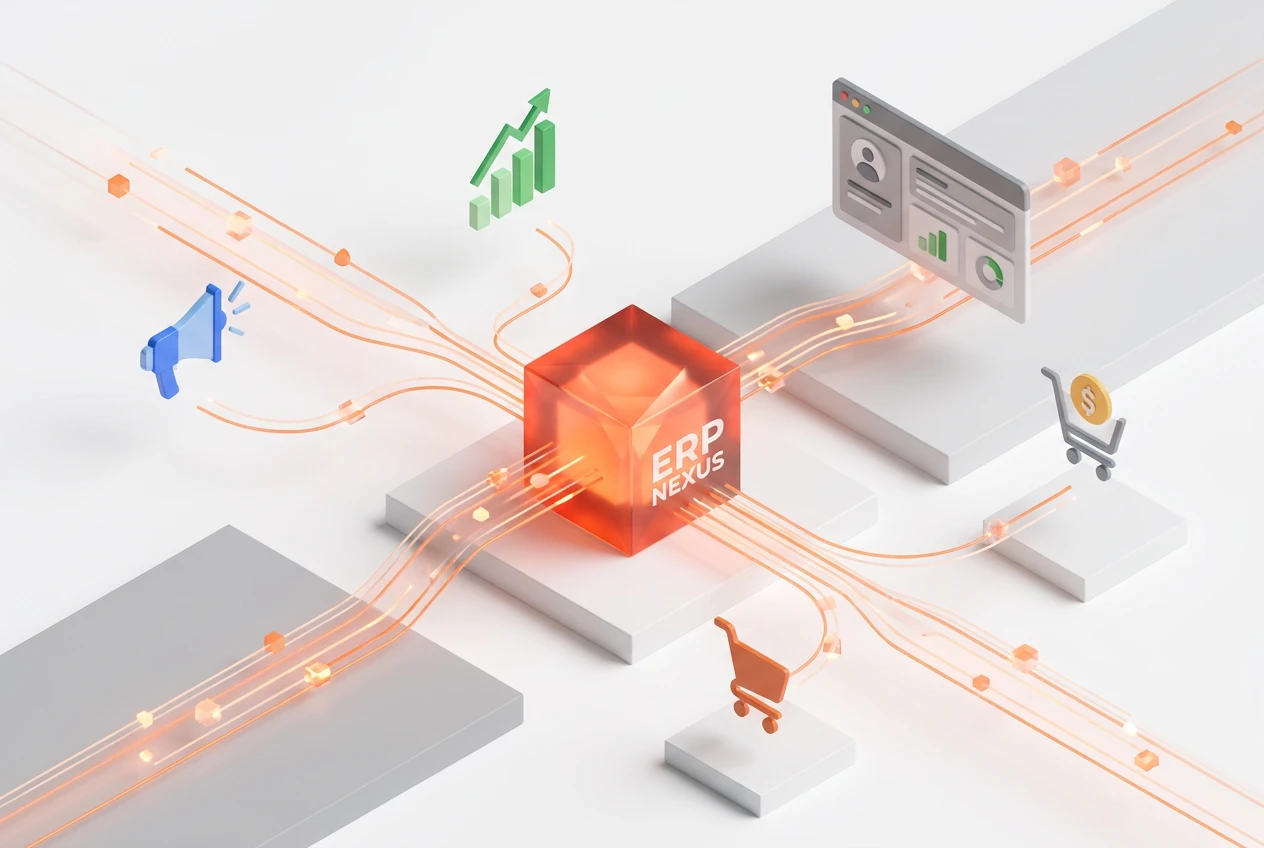
Unifying marketing and sales data is a crucial step for any company’s growth. An ERP system provides a centralized platform that aggregates customer data from all touchpoints, allowing the marketing and sales teams to work from a single source of truth. This integration eliminates duplication and improves the accuracy of forecasts. Consequently, it leads to more targeted marketing campaigns and faster, more efficient sales processes, boosting return on investment.
Why Is Unifying Marketing and Sales Data Essential?
In today’s business environment, marketing and sales teams often operate in silos. Each team uses its own tools and data, creating gaps in understanding the customer journey. As a result, data becomes inconsistent and opportunities are lost. Unifying this data into a single platform breaks down these barriers. Furthermore, it ensures that both teams see the same complete picture of the customer, improving coordination and responsiveness.
How does a centralized data platform improve efficiency?
A centralized data platform serves as a hub for all customer information. Instead of searching through multiple spreadsheets or different customer relationship management (CRM) systems, employees can access everything from a single location. This significantly reduces the time spent on administrative tasks. In addition, the platform ensures that data is up-to-date and accurate for everyone. As a result, your teams can make faster, more informed decisions with complete confidence in the available information.
What are the benefits of unified customer data analysis?
When your data is unified, analyzing it becomes much more powerful. You can track the entire customer journey, from the first marketing interaction through the completion of the sale and beyond. This comprehensive analysis allows you to gain a deeper understanding of behaviors and patterns. For example, you can identify which marketing channels generate the best leads. As a result, you can allocate your budget more effectively and refine your strategies based on concrete evidence.
How does unifying marketing and sales data contribute to increased revenue?
Data integration directly leads to increased revenue. First, it enables the marketing team to launch more personalized and targeted campaigns, which improves the quality of leads. Next, the sales team receives these leads with a complete history of their interactions, allowing them to tailor their approach and close deals faster. This alignment between the two teams shortens the sales cycle and boosts customer lifetime value. Ultimately, all these improvements contribute to the growth of your net profits.

What is the role of marketing and sales automation in an ERP system?
An ERP system plays a vital role in automating repetitive processes. The system can automate tasks such as sending follow-up emails, updating customer records, and assigning leads to the appropriate sales representatives. This automation not only saves time but also ensures that no opportunity is overlooked. Furthermore, it ensures consistency in customer communication, which enhances the customer experience. As a result, your teams can focus on strategic activities that require a human touch, such as building relationships and closing complex deals.
How do you choose the right ERP system for data consolidation?
Choosing the right ERP system requires careful planning. First, clearly define your needs and goals. What challenges are you currently facing? Second, look for a system that offers robust integration capabilities with your existing tools. The system must be scalable to grow with your company. Additionally, consider ease of use and reporting and analytics capabilities. It’s also wise to request demos from different vendors and check customer reviews. At Boom Media, we help companies select and implement the right solutions based on our extensive experience.
What are the steps for integrating sales and marketing with an ERP system?
Successfully integrating your teams is a strategic process. Here are the key steps to achieve this:
- Assess the current situation: Analyze existing processes, tools, and data to identify gaps and weaknesses.
- Define shared goals: Work with marketing and sales leaders to establish shared key performance indicators (KPIs).
- Plan the data flow: Map out how data will move between the two systems and teams to ensure seamless integration.
- Implement the system and train teams: Deploy the ERP system and ensure all employees are adequately trained to use it.
- Monitoring and Continuous Improvement: Monitor the system’s performance and make adjustments to continuously improve results.
How does a sales ERP system ensure a unified view of the customer?
A sales ERP system provides what is known as a “360-degree view” of the customer. This means that every employee—whether in marketing, sales, or customer service—sees the same up-to-date information. This includes purchase history, past interactions with marketing campaigns, support tickets, and notes. This unified view prevents misunderstandings. For example, a sales representative won’t contact a customer who has an open complaint without being aware of it. Consequently, the customer experience improves significantly, which strengthens brand loyalty.
What are the common challenges when unifying marketing and sales data?
Despite the many benefits, some challenges may arise. One major challenge is resistance to change from employees accustomed to their old ways of working. Additionally, the quality of the source data may be poor, requiring a thorough cleansing process before it is migrated to the new system. Finally, the technical integration between the ERP system and other tools can be complex. To overcome these challenges, strong management support, clear communication, and an experienced implementation partner like Boom Media are essential.
Frequently Asked Questions
What is marketing and sales data unification?
It is the process of consolidating all customer-related data from the marketing and sales departments into a single central platform, such as an ERP system, to provide a unified and comprehensive view.
How does an ERP system help improve sales forecasting?
By analyzing consolidated historical data and customer behavior, an ERP system can generate more accurate forecasting models. This helps companies better plan their inventory and resources.
Can an ERP system be integrated with existing marketing tools?
Yes, most modern ERP systems are designed to integrate easily with popular marketing tools such as email platforms, social media, and customer relationship management (CRM) systems.
What is the difference between an ERP system and a CRM system?
A CRM system focuses primarily on managing customer relationships and interactions. In contrast, an ERP system is more comprehensive, integrating all business functions—including finance, human resources, and supply chain—as well as sales and marketing.
How long does it take to implement an ERP system to unify data?
The timeline varies significantly depending on the company’s size and the complexity of its operations. It can take anywhere from a few months to over a year. Careful planning ensures a smoother implementation process.
How can Boom Media help?
As a Meta-certified business partner with over 9 years of experience, Boom Media provides strategic consulting to help you select and implement the right technology solutions to achieve your business goals.
Unifying marketing and sales data isn’t just a technical upgrade—it’s a strategic transformation that drives growth. By creating a single source of truth, you can empower your teams to make smarter decisions, improve the customer experience, and increase revenue. Contact the experts at Boom Media today to begin your journey toward data integration and get the most out of your digital assets. Follow us on Facebook to stay up to date on the latest news.